Best Audio Quality Settings: 128 vs 192 vs 320 kbps MP3 Explained
By ytmp3converter • July 3, 2026
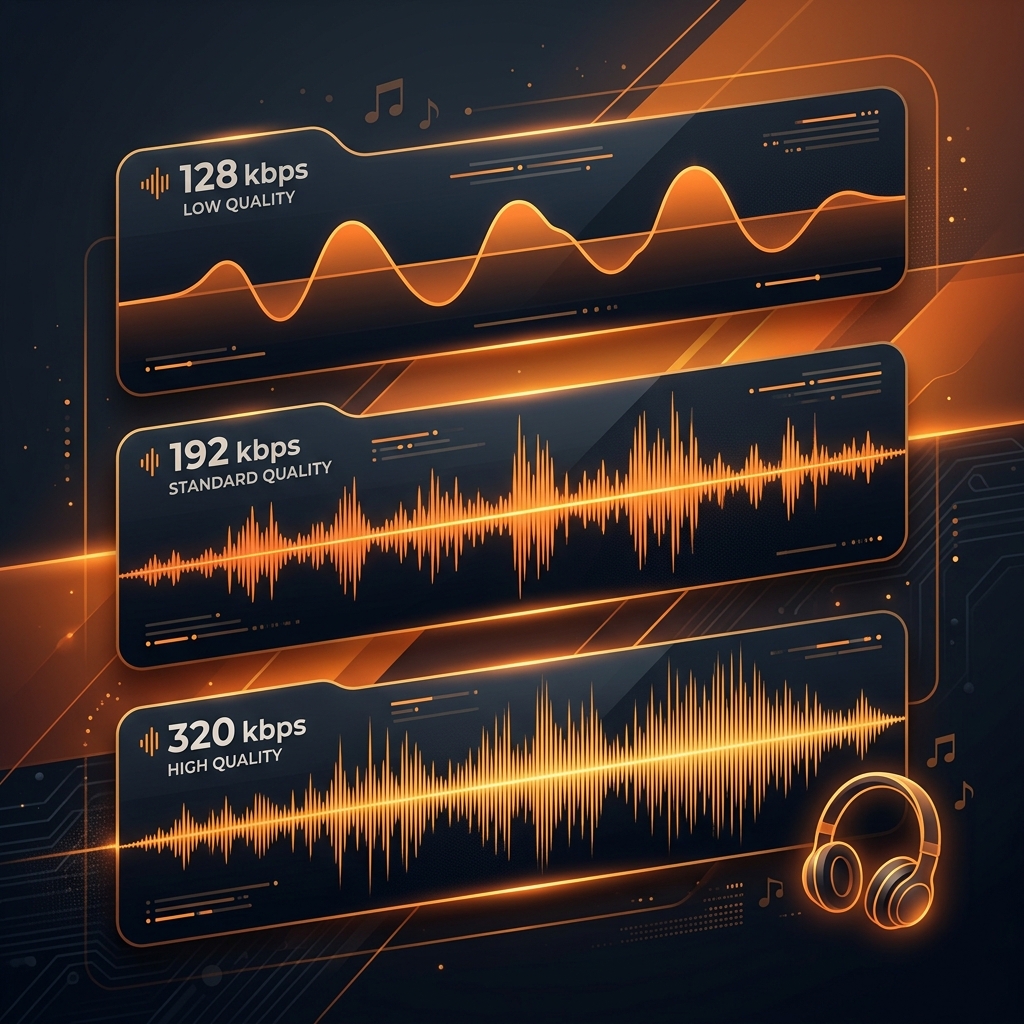
The best audio quality setting for MP3 files is 320 kbps (kilobits per second). This is the maximum bitrate the MP3 format supports, and it preserves the most detail from the original recording. For casual listening on phone speakers, 128 kbps is acceptable, but for music on headphones or home speakers, always choose 320 kbps.
When you download audio from YouTube or any other source, the converter usually asks you to pick a bitrate: 64, 128, 192, or 320 kbps. Most people just click the default and never think about it again. That is fair enough until you plug in a decent pair of headphones and wonder why your favourite track sounds like it was recorded inside a biscuit tin.
Bitrate is the single most important setting that determines how your MP3 file sounds. Get it wrong and you are stuck with flat vocals and missing bass detail. Get it right and the file sounds almost indistinguishable from the original.
Table of Contents
- What Is Audio Bitrate?
- How Audio Compression Works
- 128 kbps: Standard Quality
- 192 kbps: High Quality
- 320 kbps: Maximum MP3 Quality
- Bitrate Comparison Table
- Which Bitrate Should You Choose?
- What Bitrate Does YouTube Actually Use?
- MP3 Bitrate vs Other Audio Formats
- Frequently Asked Questions (FAQ)
What Is Audio Bitrate?
Audio bitrate measures how much data is processed per second in a digital audio file. It is expressed in kilobits per second (kbps).
Think of it like water pressure in a pipe. A wider pipe (higher bitrate) lets more data flow through, which means finer detail in the sound wave gets preserved. A narrower pipe (lower bitrate) forces the encoder to throw away information that it considers less important to human hearing.
The MP3 format supports bitrates ranging from 8 kbps (barely intelligible) up to 320 kbps (near-transparent quality). The most commonly offered options are 128, 192, and 320 kbps.
How Audio Compression Works
MP3 is a lossy compression format. This means the encoder permanently removes parts of the audio signal that it predicts you will not hear. The technical name for this process is perceptual coding, and it relies on a psychoacoustic model of human hearing.
Here is what happens during MP3 encoding:
- Frequency Masking: If a loud sound and a quiet sound occur at similar frequencies, your brain only registers the loud one. The encoder removes the quiet sound.
- Temporal Masking: If a loud snare hit occurs, your ears are temporarily desensitised. Quiet sounds immediately before and after the hit get removed.
- Stereo Redundancy: In joint stereo mode, the encoder stores shared information between the left and right channels once instead of twice.
At lower bitrates, the encoder must be more aggressive about what it removes. This is why 128 kbps sounds noticeably different from 320 kbps on good speakers.
128 kbps: Standard Quality
128 kbps is the baseline that most free online converters default to. It produces small files but at a noticeable cost to audio quality.
What you hear at 128 kbps:
- Vocals sound slightly muffled or compressed
- High-hat cymbals and sibilant consonants lose their shimmer
- Bass frequencies lose punch and definition
- Stereo image narrows (instruments sound less separated)
- Compression artifacts (a swirly, metallic quality) appear on sustained notes
Best suited for:
- Podcasts and spoken word
- Background music on phone speakers
- Situations where file size matters more than quality (limited storage)
A typical 4-minute song at 128 kbps produces a file of approximately 3.75 MB.
192 kbps: High Quality
192 kbps is the solid middle ground that balances file size and audio fidelity. Many streaming services historically used this bitrate for their standard tiers.
What you hear at 192 kbps:
- Vocals are clearer and more natural
- High frequencies retain most of their detail
- Bass is tighter with better definition
- Stereo separation improves noticeably
- Compression artifacts are mostly eliminated on typical music
Best suited for:
- Everyday music listening on standard earbuds or car speakers
- Building a portable music library with reasonable file sizes
- Listeners who want better quality without large files
A typical 4-minute song at 192 kbps produces a file of approximately 5.6 MB.
320 kbps: Maximum MP3 Quality
320 kbps is the highest bitrate the MP3 format supports. At this setting, the encoder has enough data budget to preserve virtually all audible detail from the source.
What you hear at 320 kbps:
- Vocals sound full, present, and natural
- High frequencies are crisp and detailed (cymbals shimmer properly)
- Bass is deep, tight, and punchy
- Wide stereo image with clear instrument separation
- No audible compression artifacts under normal listening
Best suited for:
- Listening on quality headphones (over-ear or IEMs)
- Home speaker systems and soundbars
- Music production reference files
- Anyone who values the best possible MP3 sound
A typical 4-minute song at 320 kbps produces a file of approximately 9.4 MB.
If you want to understand how MP3 compares to uncompressed formats, read our detailed MP3 vs WAV comparison guide.
Bitrate Comparison Table
| Setting | Quality Level | File Size (4-min song) | Frequency Range | Best For |
|---|---|---|---|---|
| 64 kbps | Low (AM Radio) | ~1.9 MB | Up to ~6 kHz | Voice memos |
| 128 kbps | Standard | ~3.75 MB | Up to ~16 kHz | Podcasts, phone speakers |
| 192 kbps | High | ~5.6 MB | Up to ~18 kHz | Everyday listening |
| 256 kbps | Very High | ~7.5 MB | Up to ~19 kHz | Quality portable listening |
| 320 kbps | Maximum | ~9.4 MB | Up to ~20 kHz | Headphones, home audio |
Which Bitrate Should You Choose?
The right choice depends on how and where you listen:
Choose 128 kbps if:
- You only listen through phone speakers
- Storage space is extremely limited
- The content is speech (podcasts, audiobooks, lectures)
Choose 192 kbps if:
- You use standard earbuds or car speakers
- You want a balance between quality and storage
- You are building a large music library on a phone with limited space
Choose 320 kbps if:
- You use quality headphones or home speakers
- Sound quality is more important than file size
- You want the best possible experience from an MP3 file
- Storage is not a concern (modern phones have 128+ GB)
When converting from YouTube to MP3, always select 320 kbps if the option is available. There is no reason to compromise quality when storage costs nothing on modern devices.
What Bitrate Does YouTube Actually Use?
YouTube does not store audio as MP3. Instead, YouTube uses the AAC (Advanced Audio Coding) codec at the following bitrates:
- Free users: 128 kbps AAC (Opus on some devices)
- Premium users: Up to 256 kbps AAC
When you convert a YouTube video to a 320 kbps MP3 file, the converter is transcoding from AAC to MP3. The resulting MP3 cannot contain more audio information than the original YouTube stream provided. However, encoding at 320 kbps ensures that no additional quality is lost during the format conversion itself.
This is why it is always better to convert at 320 kbps than at 128 kbps, even if YouTube only provides 128 kbps AAC. Converting from 128 kbps AAC to 128 kbps MP3 would introduce a second round of lossy compression, further degrading quality. Converting at 320 kbps gives the MP3 encoder enough headroom to preserve everything the AAC stream contained.
To learn more about different audio formats and which ones YouTube supports, check our guide on does YouTube support WAV.
MP3 Bitrate vs Other Audio Formats
MP3 at 320 kbps is excellent, but it is not the only option. Here is how it compares to other common audio formats:
| Format | Type | Typical Bitrate | Quality vs 320 MP3 |
|---|---|---|---|
| MP3 | Lossy | Up to 320 kbps | Baseline |
| AAC | Lossy | 128-256 kbps | Better at same bitrate |
| OGG Vorbis | Lossy | 96-500 kbps | Better at same bitrate |
| FLAC | Lossless | ~1,000 kbps | Superior (no data loss) |
| WAV | Uncompressed | ~1,411 kbps | Superior (no compression) |
If you want to learn more about converting between lossy audio formats, read our AAC to MP3 conversion guide or our MP3 to OGG tutorial.
For authoritative technical specifications on the MP3 encoding standard, refer to the Fraunhofer Institute for Integrated Circuits, the original developers of the MP3 format.
Frequently Asked Questions (FAQ)
What is the best audio quality setting for MP3?
The best audio quality setting for MP3 files is 320 kbps. This is the maximum bitrate allowed by the MP3 standard and preserves the most detail from the original audio source.
Is 128 kbps good enough for music?
128 kbps is acceptable for casual listening on phone speakers or podcasts, but music loses noticeable detail in the high frequencies and stereo separation compared to 320 kbps.
Can you hear the difference between 192 kbps and 320 kbps?
Most listeners cannot hear a difference on standard earbuds. However, on quality headphones or home speakers, 320 kbps delivers noticeably richer bass, clearer highs, and better stereo imaging.
Does higher bitrate mean larger file size?
Yes. A 320 kbps MP3 file is roughly 2.5 times larger than the same track at 128 kbps. A 4-minute song at 320 kbps is approximately 10 MB compared to 4 MB at 128 kbps.
What bitrate does YouTube use for audio?
YouTube streams audio at up to 256 kbps AAC for Premium subscribers and 128 kbps AAC for free users. When converting YouTube to MP3 at 320 kbps, the converter upsamples the source stream.
Is FLAC better than 320 kbps MP3?
Yes. FLAC is lossless and preserves 100% of the original audio data. However, FLAC files are 3-5 times larger than 320 kbps MP3 files and not supported by all devices.